
 By
By 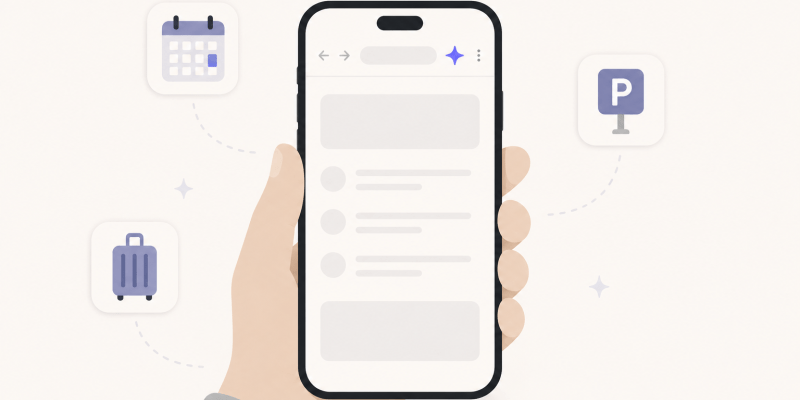
Google has spent the past year working Gemini into nearly everything it makes, and Chrome on Android is the latest door to swing open. As of Tuesday, the company’s AI assistant is available inside the mobile browser for every Android user in the United States, ending a limited rollout that began quietly back in June. Tap the Gemini icon in Chrome’s top bar, or dig into the three-dot menu, and the assistant slides up over whatever page you are reading.
For most people the free feature set is already useful. Gemini can boil a long article down to its main points, field questions about the page in front of you, and pull in details from Google apps like Calendar and Keep without the usual tab-juggling. Spot a concert date on a listing and you can ask it to drop the event straight into your calendar. There is also Nano Banana baked in, so you can generate or tweak images without leaving the browser.
What the paid tier unlocks
The headline capability, though, sits behind a paywall. Auto browse, which Google is giving only to AI Pro and AI Ultra subscribers in the US, turns Gemini from something that talks about a web page into something that acts on it. Ask it to book parking for an event, reorder a recurring delivery, or piece together travel for a trip, and it will work through the steps itself. It shows you its plan first, and you can stop it or take the wheel at any point.
That shift from advice to action is the whole story here. A chatbot that summarizes an article is convenient. An agent loaded into your logged-in browser, with access to your accounts and payment details, is a different kind of tool altogether. Google says auto browse is built to spot known threats like prompt injection, and that it will pause for confirmation before anything sensitive, such as a purchase, goes through.
Worth keeping an eye on
Those guardrails matter more than the feature list does. An assistant that can move through booking pages on your behalf is also one that could spend your money or change a reservation if it misreads a request, so the sensible move is to treat the first few tasks as supervised rather than delegated. There is a privacy wrinkle too: the page you are viewing can be fed to Gemini as context by default, with a setting in Chrome to switch that off if you would rather it not.
None of this is happening in a vacuum. The standalone Gemini app crossed a billion monthly users earlier this month, and dropping the assistant into the default browser on Android puts it exactly where people already spend their time. That is the real prize for Google: not any single feature, but sheer reach, placing Gemini one tap away on hundreds of millions of phones.
So is a browser that can run errands for you a step forward or one more thing to keep an eye on? For now it is both. The convenience is real, the ambition is obvious, and the smart approach is to enjoy the summaries while watching the agent closely until it earns your trust.













Comments